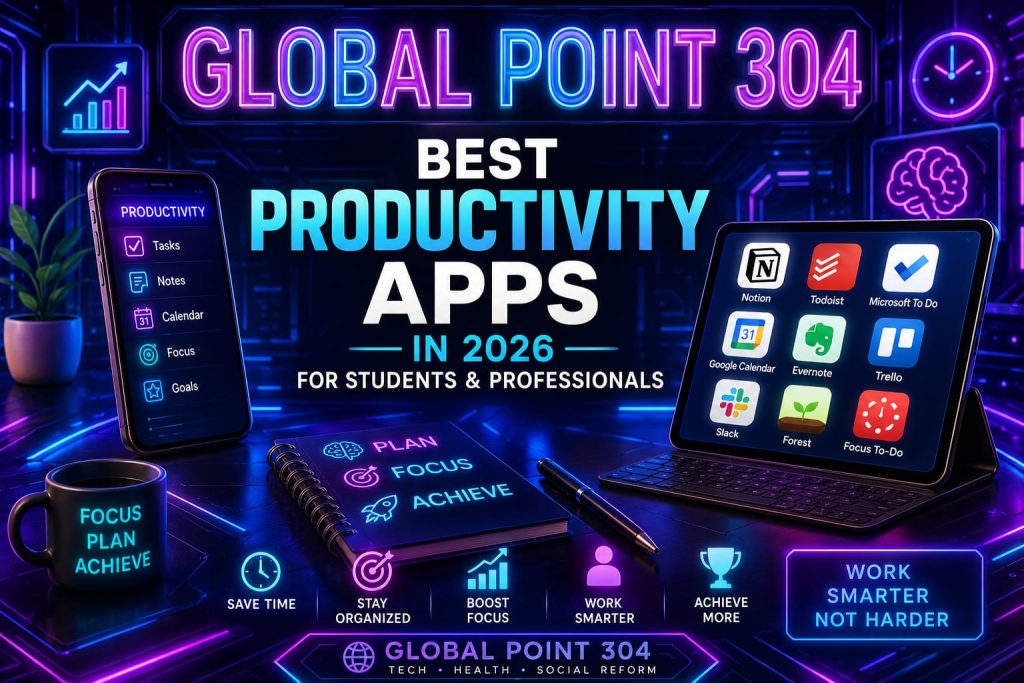
Best Productivity Apps in 2026 for Students and Professionals
Finding the best productivity apps has become one of the most searched topics of 2026. Students are juggling online classes, part-time work, and endless assignments. Professionals are managing remote teams, tight deadlines, and constant notifications. In both cases, the right set of tools makes the difference between chaos and control.
This guide covers the top picks for 2026, broken down for students and working professionals separately. Every app listed here has been chosen based on real usage patterns, ease of use, AI features, and long term value. Whether you are a university student in Pakistan trying to manage semester deadlines, or a freelancer juggling multiple clients, this roundup of best productivity apps will help you build a system that actually works.
Why These Tools Matter More in 2026
The way people work and study has changed a lot in the last few years. Hybrid classes, remote jobs, and freelancing have become normal. Because of this shift, the demand for reliable digital tools has grown massively. People no longer want ten different apps for ten different tasks. They want a small, dependable stack that reduces mental clutter instead of adding to it.
Another big reason the best productivity apps are trending in 2026 is the rise of AI. Almost every major tool now has some form of artificial intelligence built in, from smart scheduling to automatic note summarization. This makes today’s options far more powerful than the simple to-do list apps of a few years ago.
What Makes a Great Productivity App
Not every app that claims to boost your output actually does. Before picking any tool, it helps to know what separates the best productivity apps from the rest. A good app should be simple to learn, work across devices, sync in real time, and not distract you with unnecessary notifications.
These tools also tend to integrate well with other software you already use, such as Google Calendar or email. Pricing matters too. Many of them offer generous free plans, while professional-grade options may require a paid subscription for advanced features like team collaboration or automation.
Best Productivity Apps for Students in 2026
Students face a unique kind of pressure. Lectures, assignments, group projects, and exams all compete for attention at the same time. The following are some of the strongest picks helping students in 2026 stay organized without burning out.
Notion
Notion remains one of the best productivity apps for students who want everything in one place. It combines notes, task lists, databases, and project boards inside a single flexible workspace. Students use it to plan assignments, track deadlines, and even build personal study wikis. The free plan is generous enough for most individual students, which is part of why it stays near the top of every list of this kind.
Todoist
For students who prefer a simple and clean task manager, Todoist is often called one of the best options available. It uses natural language input, so typing something like “submit history essay tomorrow at 5pm” automatically creates a scheduled task. Its cross platform sync means your list stays updated whether you are on a phone, laptop, or tablet.
Anki
Anki is considered the gold standard among the best productivity apps for memorization heavy subjects like medicine, law, and languages. It uses a spaced repetition algorithm that schedules flashcard reviews at scientifically optimal intervals, helping information move into long term memory.
Zotero
Research heavy students often list Zotero among the most useful tools for managing citations and references. It automatically organizes research papers, generates citations in multiple formats, and syncs across devices, saving hours during thesis or assignment writing.
Forest
Staying off the phone during study time is a real challenge, which is why Forest is one of the best productivity apps for focus. Users plant a virtual tree that grows while they stay off their phone. Leaving the app early kills the tree, which creates a simple but effective motivation to stay on task.
Grammarly
Clear writing matters for assignments, emails, and reports, which is why Grammarly continues to rank among the top choices for students and professionals alike. Its AI checks grammar, tone, and clarity in real time across almost any app or browser.
Google Calendar
No list of best productivity apps is complete without Google Calendar. It remains the backbone of scheduling for millions of students, offering reminders, shared calendars for group projects, and smooth integration with other Google tools.
Best Productivity Apps for Professionals in 2026
Professionals deal with different challenges than students. Meetings, client communication, project deadlines, and team coordination all need to run smoothly at the same time. Here are the tools that working professionals are relying on in 2026.
Slack
Slack has become one of the best productivity apps for team communication, replacing long email chains with organized channels. Remote and hybrid teams use it to keep project discussions searchable and reduce the noise of constant email threads.
Trello
For visual project management, Trello is often named among the strongest options for professionals handling multiple projects. Its Kanban style boards let teams move tasks from “To Do” to “In Progress” to “Done,” making complex workflows easy to track at a glance.
Google Workspace and Google Drive
Google Workspace remains a core part of any professional’s toolkit and one of the best productivity apps for document collaboration. Real time editing, cloud storage, and seamless sharing make it easy for teams to work together regardless of location.
RescueTime and Clockify
Understanding where your time actually goes is key to real productivity. That is why time tracking tools are counted among the best productivity apps for freelancers and professionals who bill by the hour. RescueTime tracks app and website usage automatically, while Clockify offers simple manual time tracking for project based billing.
Visit RescueTime | Visit Clockify
Granola AI
Meeting fatigue is real, and Granola AI has quickly become one of the top picks for professionals who sit through back to back calls. It records meetings and automatically generates clean, organized summaries, so nobody has to frantically type notes while trying to stay engaged in the conversation.
Evernote and OneNote
Both Evernote and Microsoft OneNote continue to be listed among the best productivity apps for professionals who need a reliable place to store meeting notes, research, and ideas. OneNote in particular integrates tightly with Microsoft 365, which makes it a natural fit for corporate environments already using Word, Excel, and Outlook.
Managing Money and Time Together
Productivity is not only about finishing tasks on time. For many professionals and even students who freelance on the side, managing money is just as important as managing time. Some of the best productivity apps in 2026 now blend financial tracking with daily planning, since staying on top of income and expenses reduces the mental load that gets in the way of real focus.
If you are also tracking investments alongside your daily tasks, it is worth checking our detailed guide on Top Apps to Track Crypto and Stock Portfolios, which pairs well with the tools covered in this post for anyone who wants full control over both their time and their money.
The AI Powered Trend Behind Best Productivity Apps in 2026
Artificial intelligence is the biggest shift shaping this space this year. A few years ago, productivity apps simply stored information. Now, the best productivity apps actively help generate, summarize, and organize that information automatically.
AI note takers, smart scheduling assistants, and writing tools that adjust tone and clarity are now standard features rather than premium add ons. This is one of the main reasons today’s tools feel noticeably more capable than what people were using just two or three years ago. Students use AI features to summarize long lecture recordings, while professionals use them to draft emails, reports, and meeting notes in a fraction of the time.
How to Choose the Best Productivity Apps for Your Needs
With so many options available, picking from a long list of tools can feel overwhelming. The smartest approach is to start small. Pick two or three apps that solve your biggest pain points, rather than trying to adopt an entire toolkit at once.
Students should generally start with a task manager, a note taking app, and a focus timer. Professionals often benefit more from starting with a communication tool, a project management board, and a time tracker. Once these core best productivity apps become part of your daily routine, you can gradually add more specialized tools like citation managers or AI meeting assistants.
Budget is another factor. Many of the apps mentioned in this guide offer free plans that are more than enough for individual use. Paid upgrades usually only become necessary once you need team features, unlimited storage, or advanced automation.
Best Productivity Apps and Social Media Habits
One overlooked factor in productivity is social media usage. Constant scrolling is one of the biggest drains on focus for both students and professionals. Several of the best productivity apps discussed above, especially Forest and RescueTime, are specifically designed to reduce screen time and rebuild healthier phone habits.
Pairing a focus app with simple personal rules, such as keeping your phone in another room while studying or working, tends to multiply the benefits of any tool you choose. The goal is not to add more screen time, but to make the time you already spend on your device more intentional.
Global Point 304’s Coverage of Best Productivity Apps
At Global Point 304, technology reviews are researched carefully before being published, and this guide to the best productivity apps is no exception. The goal is to give readers in Pakistan and beyond practical, real world comparisons rather than generic app lists copied from elsewhere.
Global Point 304 regularly covers technology topics ranging from smartphone comparisons to AI tools, and this roundup continues that effort to help students and professionals make smarter choices about the tools they use every day.
Final Thoughts on Best Productivity Apps in 2026
There is no single app that works perfectly for everyone. The right tools for a university student preparing for exams look very different from what a busy project manager needs. What matters most is building a small, consistent system rather than chasing every new app that trends online.
Start with one or two picks from this list, use them consistently for a few weeks, and only then decide whether you need to add more. The best productivity apps are the ones that quietly become part of your routine, not the ones that add another layer of complexity to your day.
Frequently Asked Questions
What are the best productivity apps for students in 2026?
Notion, Todoist, Anki, Zotero, Forest, and Grammarly are among the best productivity apps for students this year, covering notes, tasks, focus, and writing.
What are the best productivity apps for professionals?
Slack, Trello, Google Workspace, RescueTime, and Granola AI are widely considered the best productivity apps for working professionals in 2026.
Are the best productivity apps free to use?
Most of the apps mentioned here offer solid free plans, with paid upgrades needed mainly for team features or advanced automation.
Which app should I start with?
Pick one task manager and one note taking app first. These two categories cover most of what the best productivity apps are designed to solve.
2026 میں Best Productivity Apps طلبہ اور پروفیشنلز کے لیے